A verifiable digital press kit: organizing images, PDFs and corrections
Organize a press room around sources, versions and verifiable proof, with practical guidance for images, PDFs, asset records, downloads and corrections.

A verifiable digital press kit helps journalists, partners, and customers find official material and understand which version they are using. Collecting photographs and PDFs in a folder is not enough: they need descriptions, stable references, and a clear update path.
For a press office, verification can become part of daily distribution. The goal is to reduce uncertainty about the origin and version of materials without pretending that a badge can replace the quality of the information or the editorial work of recipients.
What people should find when they open the press kit
Start with the recipient's tasks: downloading a photograph, quoting a product sheet, comparing a report, or checking whether a press release was corrected. Organize material around these needs instead of showing only a long list of files.
Every resource should have a readable description, stated format, and version reference. For images, distinguish the original shot from crops and illustrations. For documents, identify the current edition and where corrections can be found.
The IPTC Photo Metadata model provides a reference for image descriptions and administrative information. This data helps manage assets, but the claims it contains do not automatically become cryptographic proof.
Define the object being verified
A press release can contain text, images, and attachments, each with its own history. A photo's credentials do not automatically attest to the attached PDF or every sentence on the page that presents it.
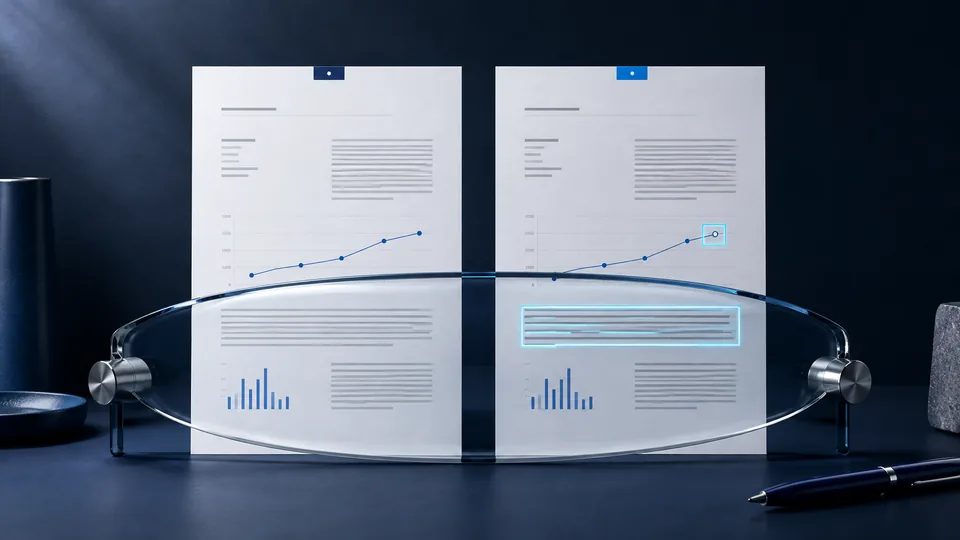
For each element, decide what should be verifiable. A photograph may have Content Credentials; a report may be associated with a reference fingerprint; a page can explain the relationships among the materials and their versions.
This distinction should also appear in link names: “Verify the photograph's provenance” is more precise than “Everything verified.” Do not extend a positive result to elements outside the scope of the check.
A simple but useful asset record
The record need not become a technical screen. It can show a few essential details and reveal more when needed.
| Field | Illustrative use |
|---|---|
| Title and description | Distinguish an event photo from a representative image |
| Version identifier | Separate the initial edition from a corrected revision |
| Format and variant | Identify the original, web image, or downloadable document |
| Declared source and attribution | Clarify who distributes the material and which information accompanies it |
| Usage information | Link to applicable terms without inferring them from the badge |
| Verification status | Distinguish a completed check, missing data, and unavailable verification |
| Essential history | Explain what changed and which version replaced the previous one |
Do not invent capture dates or attribution to fill empty fields. Treat unavailable information as unavailable. Apply the same care to synthetic images: the guide to C2PA and AI images explains how to describe them without confusing them with documentary photographs.
From upload to the copy downloaded by the public
A useful process involves both the people preparing the material and those managing the site. First approve the content, then generate the necessary variants, associate the planned proof, and finally check the public result.
Responsive images may differ from the original. Even a download button can deliver a recompressed copy if the path was not designed carefully. Verification must cover the file that is actually downloaded, rather than only the one approved in the working folder.
The CMS/API integration guide describes the technical workflow. If your press room runs on WordPress, consider the C2PA plugin for WordPress. The press office has a concrete acceptance test: can an external recipient find the right version, open the reference, and understand the results without a private explanation from the team?
Handle a correction without losing the history
Imagine that a product sheet contains an incorrect measurement. The correction requires a new PDF version and a clear notice on the distribution page. Anyone holding the old copy should be able to understand that it is no longer current.
Keep the address of the current resource distinct from version references, according to your editorial policy. Do not show proof from the old edition as if it described the new file. To check the document itself, use the method in the PDF integrity guide.
If a resource is withdrawn, an information page can explain that it is no longer distributed and link to its replacement. Removing it without context makes it harder to tell whether the problem concerns the link, the file, or its editorial validity.
Three checks from the recipient's point of view
The first is discoverability: does a link received days earlier still lead to a useful page? You need not keep every file public forever, but decide deliberately how old references behave.
The second is comprehension: can people distinguish the source, date, and version? Does the page explain whether the image is a photograph of the event or an illustration? Technical details should not hide these essential answers.
The third is verification: does the reference match the downloaded copy? Does the interface say when a check is unavailable? Missing credentials can be handled through the Content Credentials not found workflow without turning their absence into a judgment about the truth of the press release.
Where to begin with a pilot
Choose one type of material, such as press-room PDFs or event images. Define who approves it, the versioning rule, and how updates will be communicated.
Then prepare several cases to test: first publication, mobile download, a new variant, a correction, and a link to a superseded file. Ask someone unfamiliar with the internal process to assess the result. Misunderstandings reveal useful ways to improve copy and interfaces as well as the backend.
Frequently asked questions
To connect these records to reports and corrections, follow the corporate disinformation prevention process. Source verification completes the editorial check before publication.
Does a verifiable press kit require an entirely new portal?
Not necessarily. It can start from an existing section if the CMS can manage appropriate files, versions, and links. Compatibility must be checked on the actual workflow.
Does the badge automatically authorize reuse of images?
No. Provenance verification is not a license. Terms of use must be stated and assessed separately from technical proof.
Is it better to publish every technical detail on the asset record?
Not always. Show the information that helps people choose the correct material first, and make relevant details accessible. Transparency does not mean filling the page with unexplained data.
Sources and further reading
Technical and editorial references consulted for this guide. Examples are illustrative and do not document real cases or specific integrations.